- Apps
- Premium
-
VPN Locations
- Help
- Sign up
- Sign in
VPS and VPN Sound Alike, but They Do Completely Different Jobs
Contents
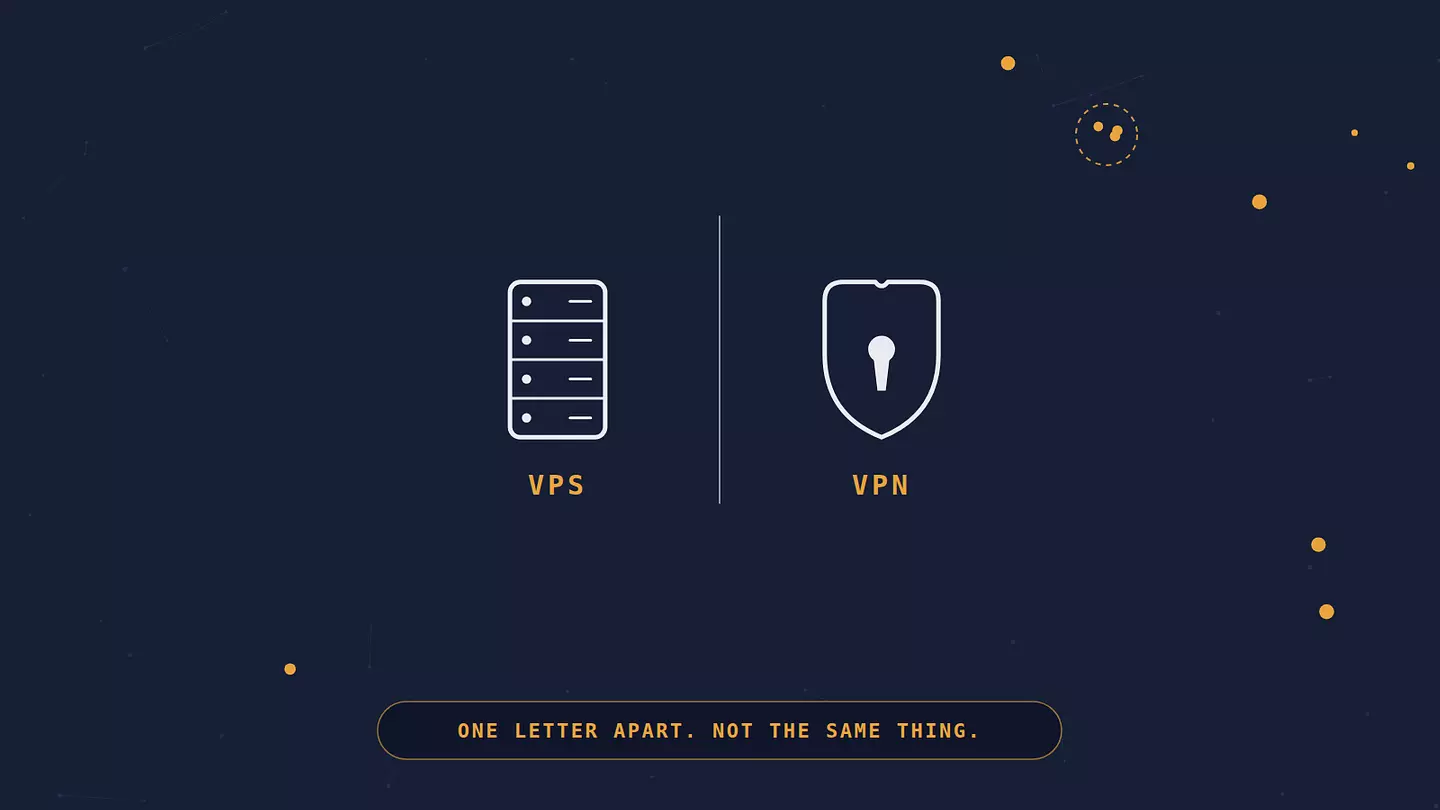
A VPS is a computer you rent to run your own websites, apps, or software. A VPN is a service you turn on to keep your own internet connection private.
They're more closely related than the names let on: both run on remote servers, and a VPN is often built on the same kind of rented machine a VPS gives you. The difference is how much is done for you. A VPS hands you a bare server to build on. A VPN is a finished privacy tool that someone else built and keeps running.
What is a VPS?
A VPS, short for virtual private server, is a slice of a physical server that acts like its own independent computer. A hosting company takes one large machine, splits it into several virtual ones using software called a hypervisor, and rents each slice out separately. Your slice runs its own operating system and comes with its own storage and an allocated share of RAM and processing power, plus root access, meaning you can install, configure, and break things much like you would on hardware you owned outright. Google Cloud's overview of virtual private servers goes deeper into how that virtualization works.
People rent a VPS to host a website that has outgrown shared hosting, run a web app or API, set up a game server, test software in an environment separate from their own machine, or run background jobs that need to stay online around the clock. Hosting services like DigitalOcean, Linode (now part of Akamai), and AWS Lightsail sell VPS plans that can run just a few dollars a month, which is why they're popular with developers, small businesses, and hobbyists who want more control than shared hosting gives them without paying for a full dedicated server.
What is a VPN?
A VPN, short for virtual private network, is a service that encrypts the connection between your device and the internet, then routes your traffic through a server run by the VPN provider. Two things change once it's on: websites see the VPN server's IP address instead of yours, and your internet provider, local network operator, or the Wi-Fi owner can no longer see which sites you're visiting or what's in your traffic, though they can still tell you're connected to a VPN server and roughly how much data you're moving. If you want the full mechanics of how that tunnel gets built, we break down exactly how it works.
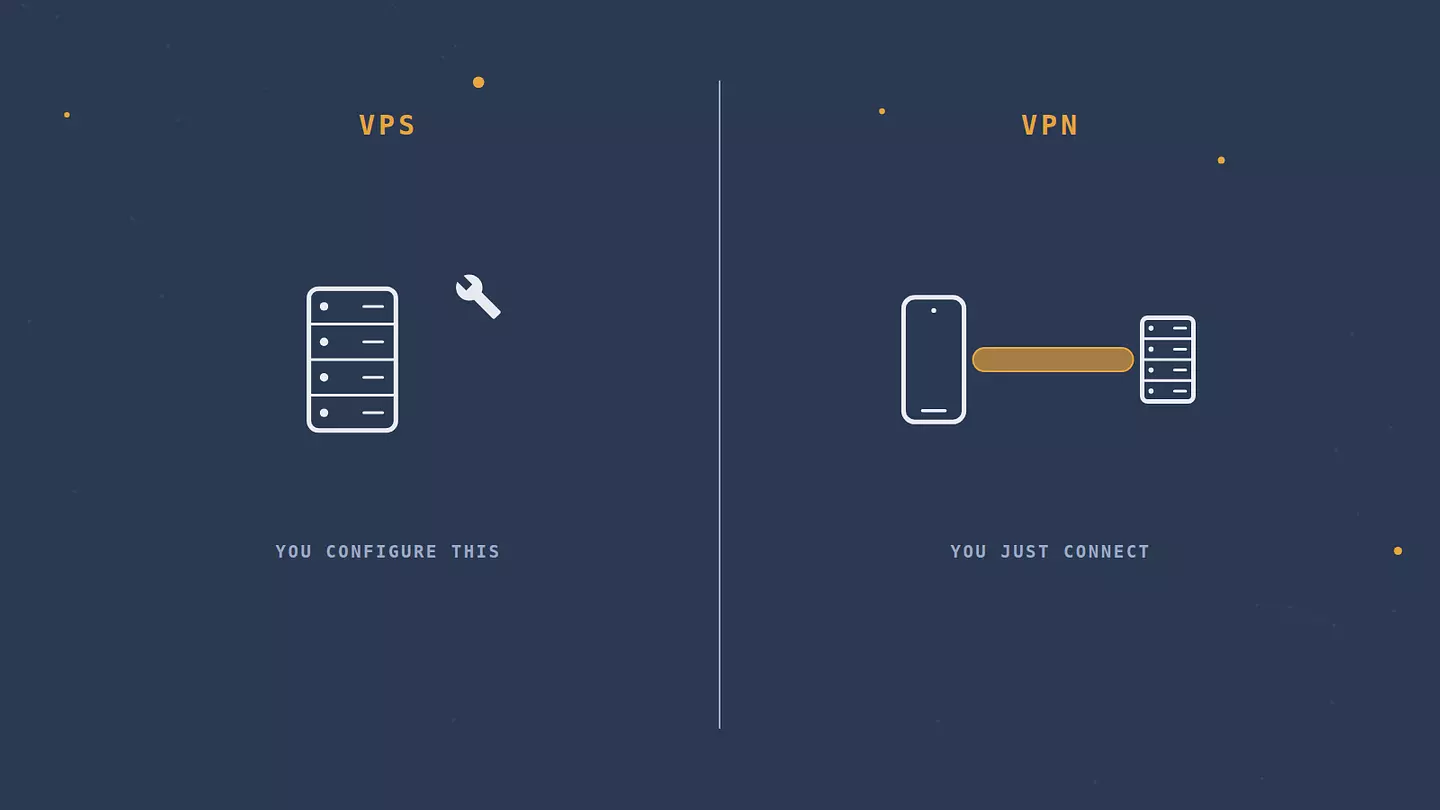
People use a VPN to stay safe on public Wi-Fi, keep their internet provider from seeing which sites they visit, reach content that's blocked or geo-restricted where they are, or just add a layer of privacy to everyday browsing. Unlike a VPS, you're not building anything with a VPN. You install an app, connect, and it runs quietly in the background.
VPS vs VPN: the key differences
VPS | VPN | |
|---|---|---|
What it is | A rented virtual computer | A privacy and encryption service |
Purpose | Hosting websites, apps, or your own software | Encrypting your traffic and hiding your IP |
Who typically uses it | Developers, businesses, site owners | Privacy-conscious users, travelers, anyone on public Wi-Fi |
Setup effort | You configure and maintain the server yourself | Install an app and connect |
Typical cost | A few dollars to a few hundred a month, based on resources | A few dollars a month for a subscription |
Who keeps it secure | You: updates, firewall, access rules | The provider; you just keep it switched on |
What VPS and VPN have in common
More than the one-letter difference suggests. Both are servers somewhere else, sitting in a data center rather than on your desk, and both come with a public IP address that isn't your home one. The VPN service you connect to runs on machines much like the ones a hosting company would rent you as a VPS. Plenty of VPN providers rent at least part of their server fleet from hosting companies instead of building their own data centers.
Even the shared words line up, just with different meanings. "Virtual" in VPS means the server is a software slice of a bigger physical machine. In VPN, it means the private network is built in software on top of the public internet. "Private" in VPS means the resources are yours and not shared with other customers. In VPN, it means your traffic is hidden from the network you're on.
A third acronym sometimes joins the pair: VPC, or virtual private cloud. That's a private network a company sets up inside a cloud provider like AWS to connect its own servers. Like a VPS, it's business infrastructure rather than a privacy tool, so unless you run servers in the cloud, you can skip it.
So the difference comes down to what you get, not what it runs on. A VPS is the raw ingredient: a server you can turn into whatever you want. A VPN is a finished service built for one job. Think of it as renting a kitchen versus ordering delivery. In a rented kitchen you can cook anything, including the exact meal a restaurant would bring you, but the shopping, the cooking, and the washing up are all on you. Delivery gets you one meal, ready to eat, made in a kitchen not so different from the one you could have rented.
Can you use a VPS as a VPN?
Yes, and plenty of people do. You can install VPN server software, most commonly WireGuard or OpenVPN, on a VPS and turn it into your own personal VPN server. Once it's running, you connect your devices to it the same way you'd connect to any commercial VPN, except the server is one you rented and configured yourself. For how those protocols work under the hood, see our rundown of the main VPN protocols.
The appeal is real. Your VPN endpoint is a server you alone control, instead of one shared with a provider's other customers. But self-hosting comes with tradeoffs that get glossed over in tutorials. You become responsible for security patches, firewall rules, and key management yourself, and a mistake in any of those is on you. A single VPS also gives you one server location, the one where you rented it, so you lose the ability to switch countries with a click the way you can with a commercial VPN's server list. Conveniences like a kill switch (which cuts your internet if the VPN drops, so nothing slips out unprotected) or split tunneling (sending only some apps through the VPN) aren't built in either, so you'd have to set up the equivalent yourself. And because the VPS is tied to your hosting account rather than shared with thousands of other customers, it generally doesn't offer the same degree of anonymity a commercial VPN's shared server pool does. The EFF's guide to what VPNs do and don't protect against is a useful reality check here, since a self-hosted VPN inherits the same limits as any other.
For most people, a self-hosted VPN on a VPS ends up being more of a technical side project than a practical daily driver. It makes more sense if you specifically need a private endpoint you fully control, like remote access to your home network, than if you're just trying to browse privately.
Which one do you actually need?
If you're building a website, running an app, or need somewhere to host your own code, get a VPS. That's what it's built for.
If you want to keep your browsing private, protect yourself on public Wi-Fi, or get around a geo-block, get a VPN app. Installing VPN server software on a rented machine won't make that easier; it will just make it more work. Browsec, for example, runs as a browser extension and as mobile apps on its free plan, and Premium adds a desktop client that covers your whole computer. The server list spans 46+ countries, not just the one city your VPS happens to live in. Still not sure you need a VPN at all? Here's when a VPN is worth it.
And if you're doing both (say, hosting a website on a VPS and wanting to lock down the admin panel so only your own connection can reach it), you'll likely want a VPS and a VPN working together, not instead of each other. That's normal. They solve different problems, so using both isn't redundant. If you're also weighing a lighter alternative to a full VPN, see how a proxy differs.
FAQ
Can I use a VPS as a VPN?
Installing VPN server software like WireGuard or OpenVPN on a VPS turns it into a personal VPN server you connect your own devices to. You'll be responsible for setup, security updates, and maintenance yourself, and you'll only get one server location instead of the many a commercial VPN provides.
Is a VPS more secure than a VPN?
They aren't really comparable on the same scale. A VPS's security depends entirely on how you configure and patch it; leave it unpatched and it becomes a liability rather than a protection. A VPN's security depends on the strength of its encryption and whether the provider actually keeps no logs. Neither one is "more secure" in general. They secure different things.
Do I need both a VPS and a VPN?
Plenty of people do: a VPS to host a website, app, or server, and a VPN to encrypt their own connection to it, along with everything else they do online. A VPS runs the thing; a VPN protects the person using it.
Can a VPS be traced?
Generally, yes. A VPS is tied to a hosting account and a fixed IP address, and the provider typically holds account and payment records for it. That's one reason a self-hosted VPN doesn't offer the same anonymity as a commercial VPN, which spreads traffic across a large shared server pool instead of one server tied to a single account.
Cite this article
Browsec. "VPS and VPN Sound Alike, but They Do Completely Different Jobs." Browsec Blog, October 09, 2026, https://browsec.com/en/blog/vps-vs-vpn.